Searching for a Mixture
To search for a mixture:
- Select More > Mixture.
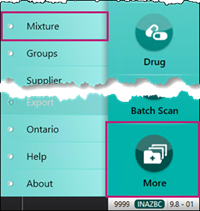
The Mixture Search window opens. - In the Trade field, enter % followed by an ingredient in the mixture.
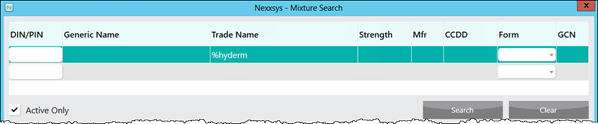
- Select Search. Matching results display at the bottom of the window.
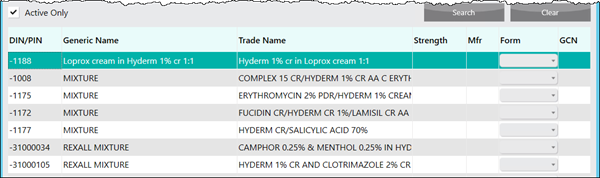
Note: Results that display MIXTURE in the Generic field are mixtures created at the pharmacy level. Results that display REXALL MIXTURE in the Generic field are Centrally Maintained Mixtures.
- If there are no matching results and the message No Records Found displays, either check the information entered in the search parameters or create a new Mixture Folder. For more information, see Creating a New Mixture.
- Select the mixture.
- Select OK. The Mixture Folder opens.